

Markus Kellermann Founder & CEO
What Is Conversation Analytics & Why It Matters [2026]
Markus Kellermann Founder & CEO
I spent two years tracking calls manually before conversation analytics. What it is, why it matters, and the one metric that changed how I run meetings.
I Used to Think I Was Good at Meetings
For the first three years of my career, I genuinely believed I was pretty solid in meetings. I prepared agendas, showed up on time, took notes. I'd leave calls feeling like they went well.
Then one day, my co-founder Iván asked me a simple question. "How much did you talk in that client call?"
I had no idea. Maybe... half the time? A third? I honestly couldn't tell you.
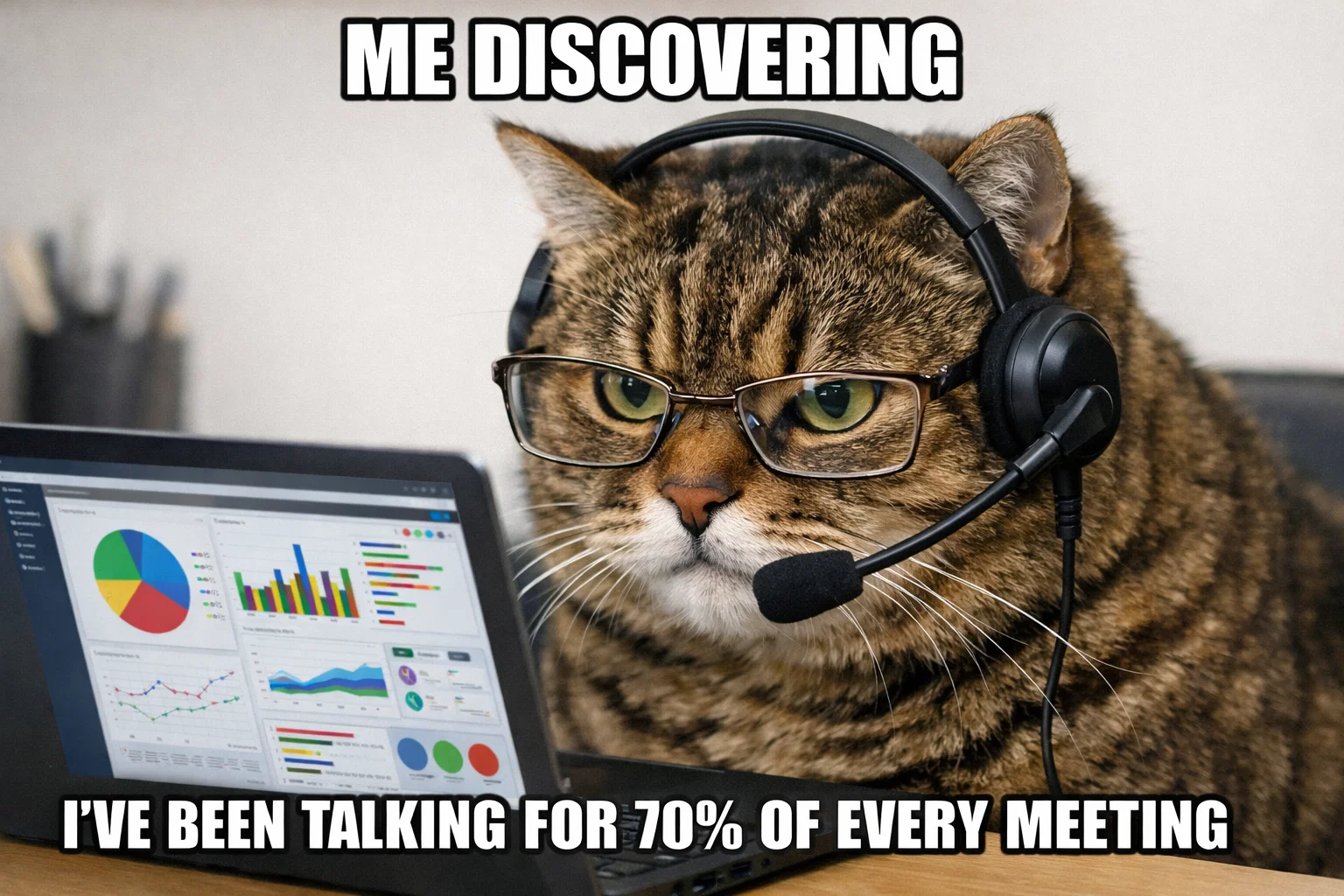
"You talked for about 70% of it," he said. "The client barely got a word in."
That stung. But what stung more was realizing I had no way to know that on my own. I'd been winging it for years, completely blind to patterns that were probably obvious to everyone else in the room.
That was my introduction to conversation analytics — the practice of measuring what actually happens in meetings, not just what you think happened. And it completely changed how I approach calls.
What Is Conversation Analytics?
Conversation analytics is the process of analyzing spoken conversations to extract insights, patterns, and actionable data. In the context of meetings, it means tracking things like:
- Talk-to-listen ratio — how much you speak vs. how much others speak
- Questions asked — frequency and type of questions during the call
- Speaking pace — words per minute, pauses, interruptions
- Engagement signals — response times, participation patterns, energy levels
- Key topics discussed — what was actually covered vs. what you planned to cover
- Sentiment — tone analysis, positive/negative language patterns
- Outcome tracking — decisions made, action items assigned, commitments given
The goal isn't to create Big Brother surveillance. It's to give you a mirror — showing you what's actually happening in your conversations so you can improve.
Why I Was Skeptical at First
When I first heard about conversation analytics, my immediate reaction was that this sounds like corporate nonsense.
Tracking talk time? Analyzing sentiment? It felt like the kind of thing a sales VP with too much budget would buy to micromanage their team. I didn't see how numbers could tell me anything meaningful about the human, messy, unpredictable nature of conversations.
But I was wrong. Here's why it actually matters:
You can't improve what you don't measure. I thought I was a good listener. Turns out I interrupted people an average of 4-5 times per call. I had no idea until I saw the data. Once I saw it, I could fix it.
Memory is unreliable. I'd leave calls convinced we spent 20 minutes discussing pricing, when in reality it was three minutes and we spent 20 minutes on a tangent about their vacation plans. Analytics showed me where my time actually went. Convo's new Memory layer closes the gap at the relationship level. What each contact keeps returning to across past calls gets captured automatically, so the next briefing is already there before you open it.
Patterns only become visible with data. I noticed that client calls where I asked more questions (10+ questions per call) had significantly better outcomes than calls where I just pitched. I would never have noticed that pattern without tracking it.
The moment I stopped thinking of analytics as "surveillance" and started thinking of it as "feedback," everything clicked.
The Core Metrics That Actually Matter
After two years of tracking conversations, here are the metrics I've found most useful — and the ones that are mostly noise:
1. Talk-to-Listen Ratio
What it is: The percentage of the conversation you spend talking vs. listening.
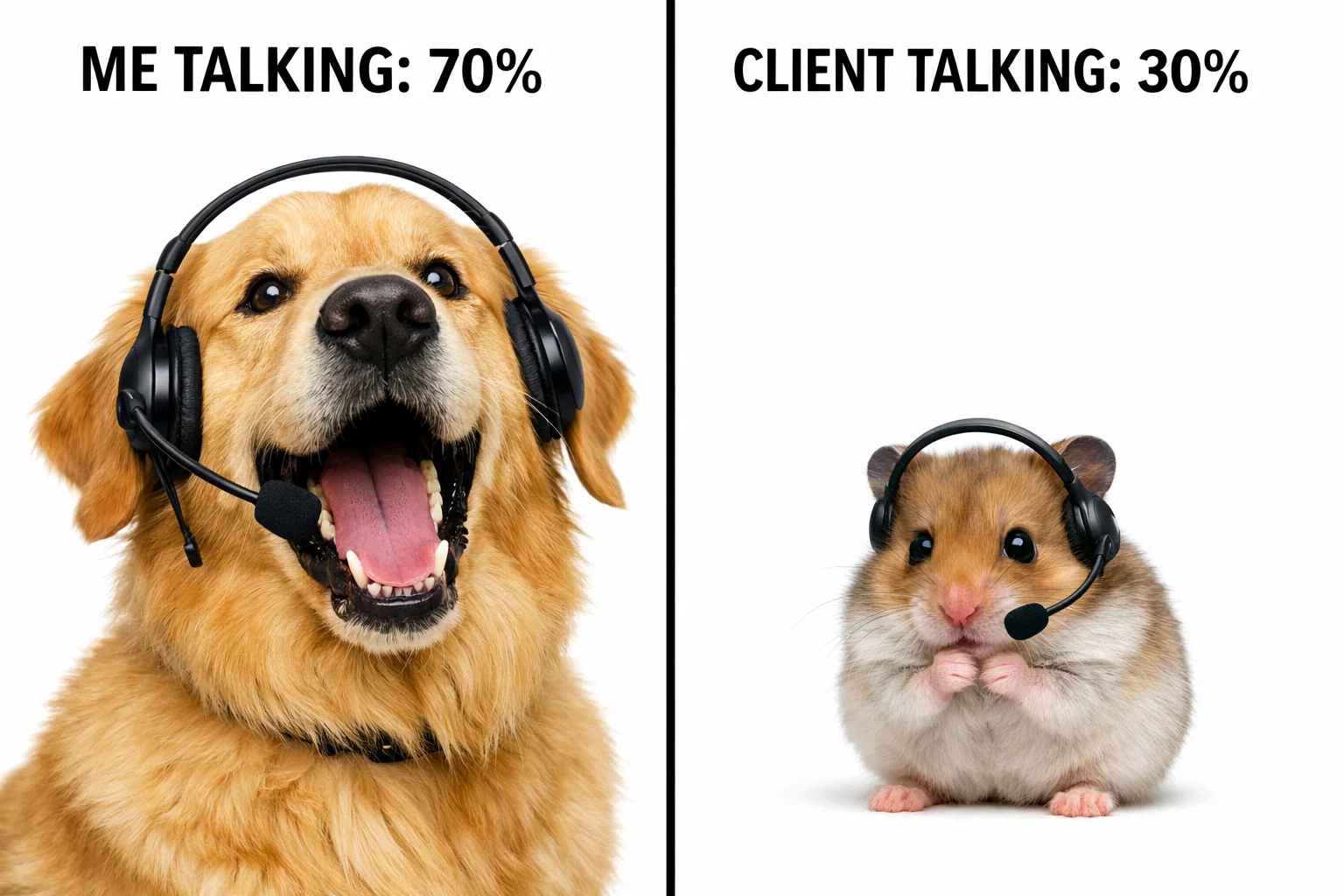
Why it matters: The person doing most of the talking usually isn't the one learning. In sales calls, discovery meetings, and user interviews, a 30/70 ratio (you talk 30%, they talk 70%) is the gold standard. In team meetings, closer to 50/50 or rotating talk time is healthier.
What I learned: My natural default is about 65/35 — I talk way too much. Seeing that number forced me to shut up more often. My close rates improved almost immediately.
2. Question Frequency
What it is: How many questions you ask during a conversation.
Why it matters: Questions drive engagement. They show curiosity, create dialogue, and surface information. A one-sided monologue with zero questions isn't a conversation — it's a presentation.
What I learned: In my best client calls (the ones that led to deals or great partnerships), I averaged 12-15 questions per hour. In my worst calls (the ones that went nowhere), I averaged 3-4. The pattern was so consistent it became a leading indicator.
Now I track this in real-time. If I'm 20 minutes into a call and haven't asked five questions yet, something's wrong.
3. Longest Monologue
What it is: The longest uninterrupted stretch of speaking by one person.
Why it matters: If someone is talking for 5+ minutes straight without interruption, that's usually a red flag. Either they're dominating the conversation, or nobody else feels comfortable jumping in.
What I learned: My record was 11 minutes. Eleven minutes of me talking while everyone else sat in polite silence. I only realized it when I reviewed the analytics afterward. Never again.
A good conversation has short exchanges — back and forth, building on each other's ideas. Long monologues kill engagement.
4. Speaking Pace
What it is: Words per minute, including pauses and filler words.
Why it matters: Speaking too fast signals nervousness or lack of clarity. Speaking too slow can lose people's attention. The sweet spot for most professional conversations is 150-160 words per minute.
What I learned: When I'm nervous (investor calls, tough client conversations), I spike to 190+ words per minute. When I'm tired or disengaged, I drop to 120. Neither is good. Seeing the number helped me self-regulate.
5. Engagement Patterns (Who's Actually Participating)
What it is: Tracking who speaks, how often, and for how long.
Why it matters: In team meetings, if three people dominate 90% of the airtime and five people say almost nothing, you're not running an inclusive meeting — you're running a monologue with an audience.
What I learned: We had one designer on our team who literally never spoke in standups. For weeks. Analytics made it visible. Once I saw the pattern, I started explicitly asking for her input. Turns out she had tons of valuable ideas — she just wasn't the type to interrupt.
For more on creating space for quieter participants, see our guide on virtual meeting etiquette.
Metrics That Sound Useful But Aren't (For Most People)
Not every metric is worth tracking. Here's what I stopped paying attention to:
Sentiment analysis — Most tools try to detect positive vs. negative tone. In practice, this was wrong about 40% of the time. Sarcasm breaks it. Cultural differences break it. I stopped trusting it.
Filler word count — Yes, I say "um" and "like" too much. No, tracking it didn't help me stop. It just made me self-conscious, which made me say "um" more. Not useful.
Keyword tracking — Some tools let you track mentions of specific words ("pricing," "competitor," "next steps"). Sounds good in theory. In practice, it's too noisy. Context matters more than keyword frequency.
Stick to the basics of talk ratio, questions, and participation. Those three alone will change how you run meetings.
How Conversation Analytics Changed My Meetings
Here's what actually improved once I started tracking:
I stopped dominating client calls. Seeing "you talked for 78% of this call" was embarrassing enough that I forced myself to ask more questions and listen to the answers. My discovery calls got dramatically better.
I caught team dynamics issues early. When I noticed one engineer spoke for 60% of our standups while three others barely contributed, I adjusted the format. We moved to a round-robin structure and explicitly asked quieter members to share first.
I prepared better. Knowing I'd see a post-call breakdown of what we covered vs. what I planned to cover made me more disciplined about agendas. If I consistently ran out of time before hitting the important topics, the data showed it.
I became more self-aware in real-time. Tools like Convo show analytics during the call, not just after. If I see I've been talking for five minutes straight, I can course-correct in the moment. "Sorry, I'm rambling — what do you think?"
The best part? None of this required changing my personality or faking a different communication style. It just gave me a mirror so I could see my actual patterns and adjust.
The Tools: Who Actually Does This Well
There are two categories of conversation analytics tools, post-call analysis (tools that analyze recordings after the meeting ends) and real-time feedback (tools that help you during the call).
Post-Call Analytics Tools
These tools record your meetings, transcribe them, and generate analytics reports afterward.
Gong — Built for sales teams. Tracks talk ratios, competitor mentions, question frequency, and deal outcomes. Expensive ($1,200+/year per user) but powerful for revenue teams.
Chorus.ai — Similar to Gong. Deep Salesforce integration, real-time conversation intelligence for sales. Also expensive.
Fireflies.ai — More affordable option ($10-19/month). Records meetings, generates summaries, and provides basic analytics like talk time and keywords. Good for small teams.
Otter.ai — Transcription-first, with some analytics features. Cheaper than Gong/Chorus but less sophisticated.
What they're good for: Reviewing past calls, coaching sales reps, identifying patterns across dozens of meetings.
What they're not good for: Helping you during the conversation when you're live on a call and need to adjust in the moment.
For detailed tool comparisons, see our Otter vs Fireflies vs Fathom breakdown.
Real-Time Analytics Tools
This is where it gets interesting. Instead of analyzing what happened after the call, these tools give you feedback while it's happening.
Convo — Runs locally on your Mac, analyzes your meetings in real-time, and shows you insights like talk time, question frequency, and participation balance as the call unfolds. No bot joins the meeting. Everything stays private.
The reason we built real-time analytics into Convo is simple. If I realize I've been talking for 70% of the call after it ends, it's too late. But if I see that number tick up to 65%... 68%... 70% while I'm still on the call, I can adjust. Ask a question. Pause. Give space.
That feedback loop — see the pattern, adjust in real-time, improve immediately — is what makes conversation analytics actually useful instead of just interesting data.
How to Actually Use Conversation Analytics (Without Overthinking It)
If you want to start using conversation analytics, here's what I'd recommend:
Start with one metric. Don't try to track everything at once. Pick talk-to-listen ratio or question frequency. Track it for a week. See what you learn.
Review weekly, not daily. One call is noise. Ten calls is a pattern. I review my analytics every Friday — what went well, what didn't, what do I want to change next week.
Focus on improvement, not perfection. The goal isn't to hit some arbitrary ideal ratio. It's to understand your baseline and move in the right direction. If you're at 80/20 talk-to-listen and you shift to 70/30, that's progress.
Use it for coaching, not punishment. If you're a manager, conversation analytics can help you coach your team — but only if they trust you're using it to help them improve, not to micromanage or punish. Share your own data first. Be vulnerable about your own patterns.
Combine analytics with context. Numbers don't tell the full story. A 70/30 talk ratio might be perfect for a training session and terrible for a discovery call. Use the data, but don't worship it.
When Conversation Analytics Actually Helps
Not every meeting needs analytics. Here's when it's most valuable:
Sales and discovery calls — Talk ratios and question frequency directly correlate with deal outcomes. If you're in sales, this is table stakes. See our guide on sales coaching software for a deeper dive, compare the tools in our best conversation intelligence software roundup, or check out our follow-up email templates for turning conversation data into effective post-call outreach.
User research interviews — You're supposed to be listening, not talking. Analytics keep you honest.
Team meetings with quiet participants — Engagement tracking helps you notice who's getting drowned out.
High-stakes conversations — Investor pitches, salary negotiations, performance reviews — situations where how you communicate matters as much as what you say.
Recurring 1:1s — Tracking participation over time helps you notice if someone is disengaging or if you're dominating the conversation week after week.
It's not helpful for casual catch-ups, brainstorms where energy matters more than structure, or social calls.
The Future: What's Next for Conversation Analytics
This field is moving fast. Here's what I think is coming:
Real-time help that actually works — AI that doesn't just show you the numbers but suggests what to do. "You've been talking for four minutes — try asking a question." We're building this into Convo.
Emotion and energy tracking — Not just sentiment (positive/negative) but actual engagement signals. Is this person checked out or actively participating? The tech is getting better.
Cross-meeting insights — Instead of analyzing one call at a time, tools that show you patterns across all your conversations. "You ask more questions on Tuesdays." "Your close rate is higher when you talk less than 40% of the time."
Privacy-first analytics — As people get more concerned about bots and recording, tools that analyze locally (on your device) without sending data to the cloud will become the standard. That's the approach we took with Convo.
Frequently Asked Questions
Is conversation analytics the same as call recording? No. Call recording captures audio/video. Conversation analytics analyzes that content to extract insights like talk time, questions asked, and participation patterns. Some tools do both, but they're separate functions.
Do I need to record meetings to get conversation analytics? It depends on the tool. Some require recording (like Gong, Fireflies). Others analyze live audio without storing it (like Convo). If privacy is a concern, look for tools that process locally.
Can conversation analytics improve my communication skills? Yes — if you act on the insights. Simply seeing the data doesn't help. But if you notice you interrupt people 10 times per call and you consciously work to reduce that, you'll improve. The analytics just make the pattern visible.
What's a good talk-to-listen ratio? Sales and discovery calls run about 30/70 (you talk 30%, they talk 70%), interviews 20/80, team meetings 50/50 or rotating based on agenda, and presentations 80/20 since you're the speaker. Context matters. There's no universal ideal.
Is this just for sales teams? No. It's useful for anyone who's in a lot of meetings, like product managers, designers, executives, consultants, customer success, and recruiters. If your job involves conversations, analytics can help.
Does conversation analytics work for in-person meetings? Some tools do, some don't. Most are built for virtual meetings (Zoom, Google Meet, Microsoft Teams). For in-person, you'd need a tool that can capture room audio — Convo works on Mac and can pick up in-person conversations if your laptop mic is on.
The One Metric That Changed Everything
If you take one thing from this article, track question frequency.
The number of questions you ask is the single most predictive metric for meeting quality. More questions = more engagement, better information flow, stronger relationships.
I aim for 10+ questions per hour in discovery calls, 5+ in team meetings. When I hit those numbers, meetings just go better. When I don't, they feel flat.
Start there. Count your questions. See what happens.
And if you want help tracking this in real-time (while you're still in the meeting, not after), that's exactly why we built Convo. It sits quietly on your Mac, shows you your talk time and question count as the call unfolds, and helps you adjust before it's too late.
You don't need perfect data. You just need enough feedback to improve. That's what conversation analytics gives you.
Markus is the founder of Convo, building an AI meeting assistant that automates everything after the call. Years of experience building AI products. Believes technology should help people in the moment, not just analyze the past.
Ready to transform your meetings?
Join professionals using Convo to feel confident in every conversation.
Get StartedCONTINUE READING