

Markus Kellermann Founder & CEO
8 Ways to Turn Voice Recordings Into Notes
Markus Kellermann Founder & CEO
I tested every way to turn voice recordings into notes, from manual transcription to AI tools. What works, what doesn't, and my setup for 15+ meetings a week.
The Voice to Notes Problem
Every week, I'm in 15+ meetings. Client calls, team syncs, investor updates, user interviews. That's hours of valuable conversation—decisions made, commitments given, insights shared.
The problem? By the time I'm back at my desk, half of it is gone. I'd remember the general topic but forget the specific number a client mentioned, or the exact wording of a commitment I made.
I tried everything to fix this, like scribbling notes during calls (missed half the conversation), recording audio and listening back (who has time for that?), and dictating voice memos afterward (never got around to processing them).
After two years of experimentation, I've finally found what works. This guide covers every method I tested for converting voice to notes—what's worth your time, what isn't, and the system I actually use now.
Why Voice to Notes Matters
Before diving into methods, let's be clear about why this matters:
Meetings are expensive. A one-hour meeting with four people costs 4 hours of collective time. If the outcomes aren't captured, that investment is partially wasted.
Memory is unreliable. Research shows we forget 50% of new information within an hour, and 70% within 24 hours. That brilliant insight from your morning call? It's fading fast.
Context disappears. "We agreed to change the pricing" means nothing six months later without the context of why and what specifically was discussed.
Action items get lost. "I'll send that over" becomes "send what to whom by when?" without proper documentation.
The goal isn't perfect transcription. It's capturing enough that your future self (and your team) can understand what happened and act on it.
Method 1: Manual Note-Taking During Calls
Time investment: Real-time Accuracy: 40-60% Cost: Free
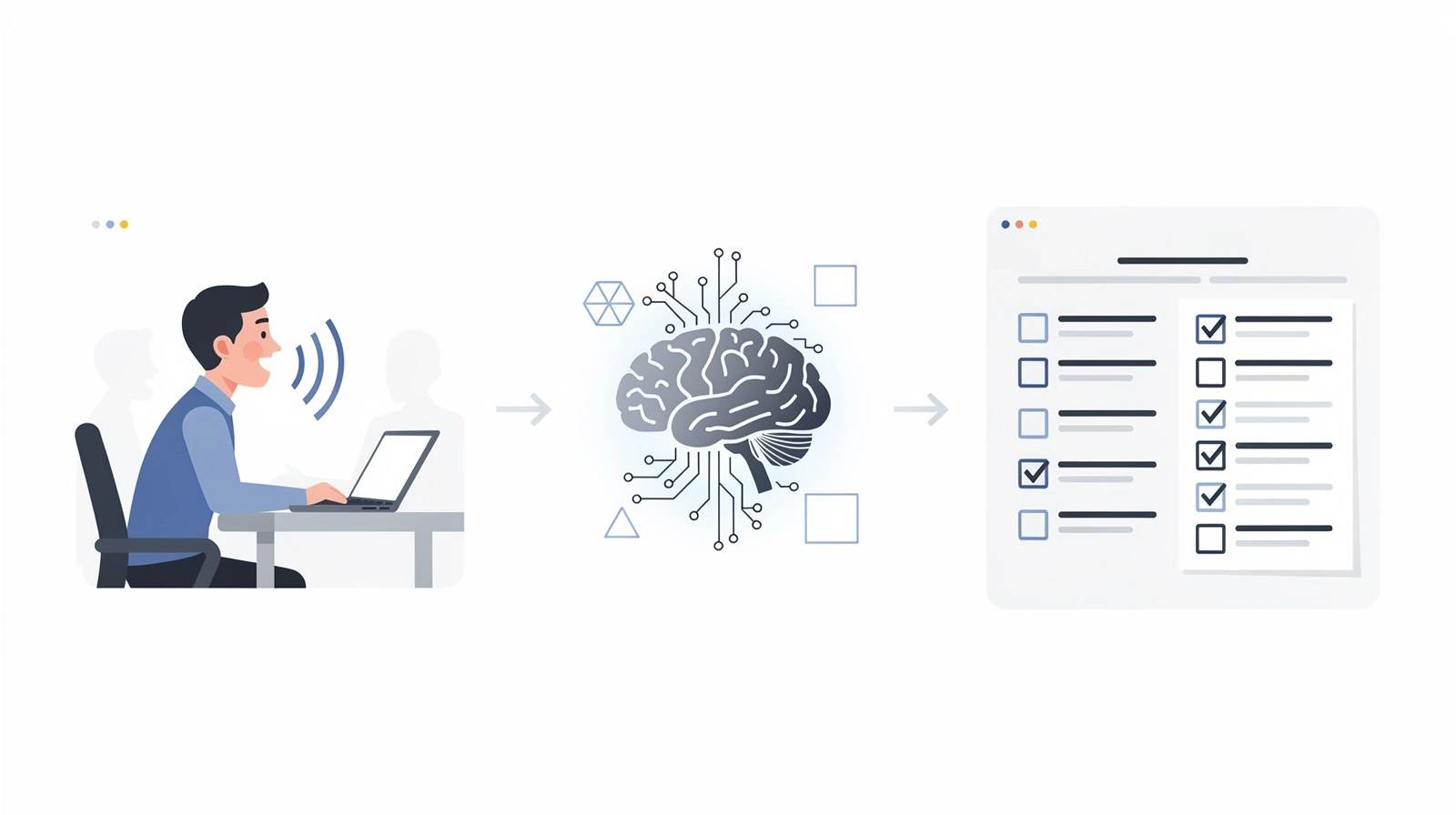
This is where most people start. You're in a meeting, laptop open, typing as people talk.
What I found:
I tracked my manual note-taking accuracy for a month. On average, I captured about 50% of the important points. Worse, the quality of my participation dropped noticeably when I was focused on typing.
The fundamental problem is that you can't fully engage in a conversation while simultaneously documenting it. You're either thinking about what to say next or transcribing what was just said. Doing both means doing neither well.
When manual notes work:
- Low-stakes internal meetings
- Meetings where you're mostly listening, not contributing
- When you only need to capture 2-3 key points
When they don't:
- Client calls where you need to be fully present
- Complex discussions with multiple action items
- Any meeting where your input matters
Verdict: Free but limited. You're trading participation for documentation.
Method 2: Voice Memos + Later Transcription
Time investment: 1.5-2x meeting length Accuracy: 80-90% Cost: Free (manual) or $0.10-0.25/minute (services)
The approach is to record the meeting as an audio file, then transcribe it afterward—either manually or using a transcription service.
What I tested:
I recorded 20 meetings over two weeks and tried different transcription approaches:
| Method | Time to Transcribe 1hr Meeting | Cost | Accuracy |
|---|---|---|---|
| Manual (typing myself) | 3-4 hours | Free | 95%+ |
| Rev.com (human) | 12-24 hours | $1.50/min | 99% |
| Otter.ai (upload) | 10 minutes | $0.10/min | 90% |
| Whisper (local AI) | 15 minutes | Free | 88% |
Human transcription is accurate but slow and expensive. A one-hour meeting costs $90 on Rev and takes a day to return.
AI transcription is fast and cheap but gives you a wall of text. A one-hour meeting becomes 8,000+ words of transcript. Finding the three important decisions buried in there? Good luck.
The real problem:
Transcripts aren't notes. A transcript captures everything—including the five minutes of small talk, the tangent about someone's vacation, and the awkward silence when the screen share didn't work.
I tried using transcripts as meeting records. Within a week, I stopped reading them. They were too long, too unstructured, and finding specific information meant ctrl+F hunting through thousands of words.
Verdict: Useful for legal/compliance needs. Impractical for daily meeting documentation.
Method 3: Dedicated Voice Notes Apps
Time investment: Real-time + 5 min processing Accuracy: 85-95% Cost: Free to $10/month
Apps specifically designed to capture voice and convert to text notes. I tested the main options:
Apple Voice Memos + Transcription: iOS 18 added transcription to Voice Memos. It's convenient if you're already in the Apple ecosystem—just record and it transcribes automatically.
Limitations: Works great for personal memos, but joining a meeting and holding up your phone to record is awkward. Also only works on-device, so you can't capture computer audio directly.
Otter.ai Mobile: Record conversations on your phone, get AI-generated summaries. The app is polished and transcription quality is solid.
Limitations: Same phone-recording awkwardness. And for virtual meetings (Zoom, Teams, Meet), you need their desktop version—which brings us to the next category.
Google Recorder / Microsoft OneNote: Both offer voice recording with transcription. Good for quick personal notes.
Limitations: Not designed for meeting capture. No speaker identification, no summary generation, no action item extraction.
Verdict: Good for personal voice memos. Not practical for meeting documentation.
Method 4: AI Meeting Assistants
Time investment: Automated Accuracy: 90-95% Cost: Free to $20/month
This is where voice-to-notes gets interesting. Modern AI tools can join your meetings, transcribe everything, and generate structured notes automatically.
I tested the major options over three months across 100+ meetings:
Otter.ai
How it works: Otter joins your Zoom, Meet, or Teams call as a participant called "Otter.ai". It records, transcribes, and generates summaries.
Pros:
- Excellent transcription accuracy (93-95%)
- Good speaker identification
- Searchable archive across all meetings
- Generous free tier (300 min/month)
Cons:
- Visible bot joins every meeting
- Summaries arrive after the meeting ends
- Can't help you during the call
Best for: Teams who want searchable meeting archives and don't mind visible bots.
For pricing details, see our Otter.ai pricing breakdown.
Fireflies.ai
How it works: Similar to Otter—a bot joins your meeting, records, transcribes, and summarizes.
Pros:
- Deep CRM integrations (Salesforce, HubSpot)
- Conversation analytics for sales teams
- More affordable than Otter ($10/user/month)
- Free tier with 400 min of transcription and storage
Cons:
- "Fireflies.ai Notetaker" joins visibly
- Feature overload—complex dashboard
- Summaries are post-meeting only
Best for: Sales teams who need automatic CRM updates.
For pricing details, see our Fireflies pricing breakdown.
Fathom
How it works: Same bot-based approach, but with a generous free tier.
Pros:
- Free unlimited transcription for individuals
- Fast summary generation
- Clean, simple interface
Cons:
- Bot visibility issue (like all bot-based tools)
- Limited integrations compared to Fireflies
- Teams features cost $29/month
Best for: Individuals who want free, reliable transcription.
For pricing details, see our Fathom pricing breakdown.
The Problem They All Share
After three months with these tools, I noticed a pattern. They all solve the wrong problem.
They help you remember what happened after the meeting ends. But they don't help you during the meeting when you're struggling to recall context from last month's call, or freezing on a tough question, or forgetting what you promised last time.
And the visible bots? I've had clients comment on them. Prospects have asked "are we being recorded?" in a tone that suggested discomfort. For sensitive conversations, bot visibility changes the dynamic.
Method 5: Bot-Free, Real-Time Voice to Notes
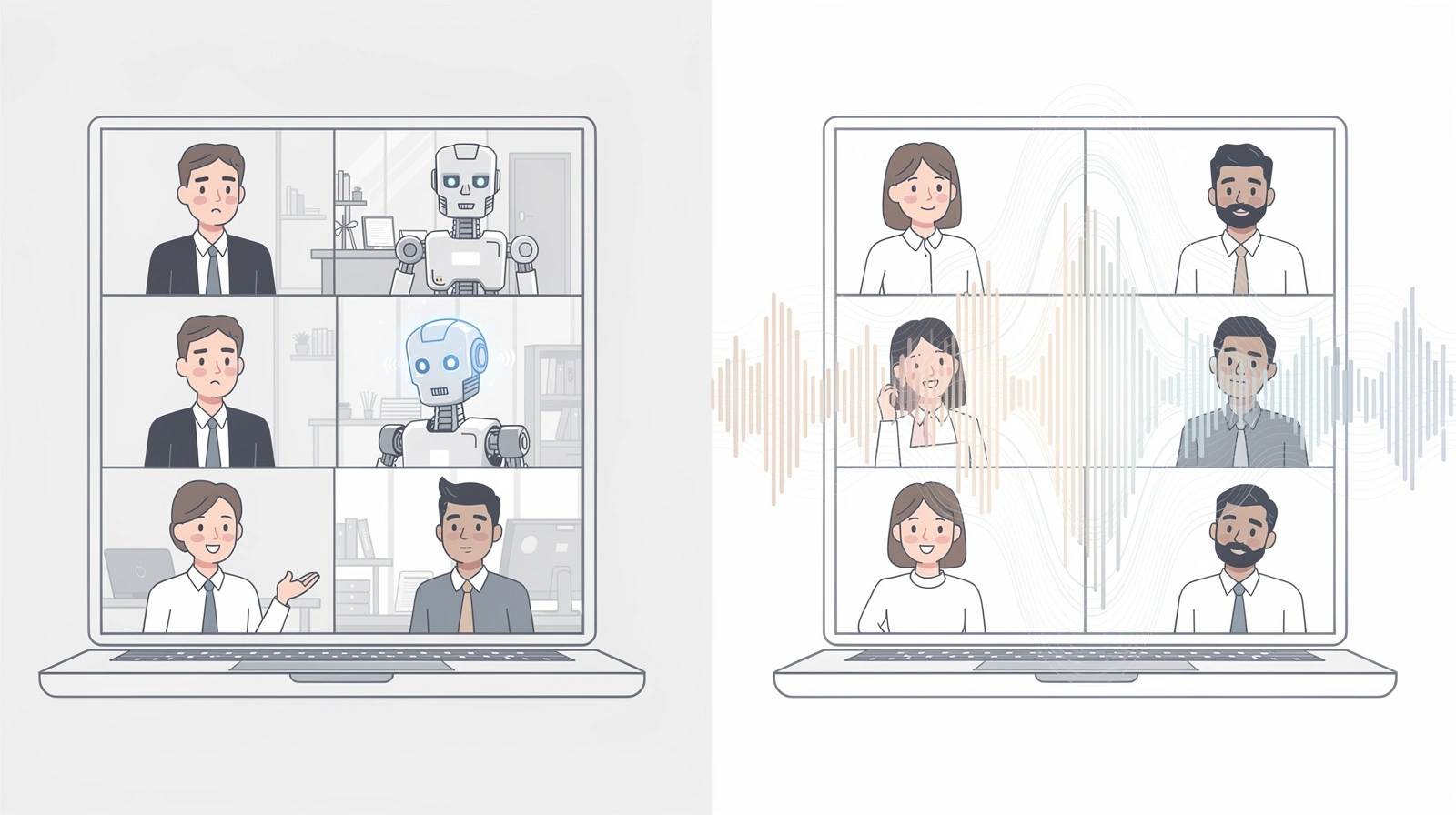
Time investment: Automated Accuracy: 90-95% Cost: $15-20/month
This is what I actually use now. Tools that capture voice and convert to notes without joining as a visible participant—and that work in real-time, not just after the meeting.
How It Works
Instead of a bot joining your meeting, bot-free tools capture audio directly from your computer. Other participants see nothing unusual—no recording notification, no extra participant, no awkward "Notetaker has joined" message.
The transcription happens locally on your machine, and notes are generated in real-time as the conversation happens.
Why This Approach Is Different
| Feature | Bot-Based Tools | Bot-Free Tools |
|---|---|---|
| Visibility | Bot joins as participant | Invisible to others |
| Processing | Cloud servers | Local on your device |
| Timing | Summary after meeting | Real-time during meeting |
| Privacy | Audio uploaded to cloud | Stays on your device |
| Help during call | No | Yes (some tools) |
What I Use Now
I'm biased—I'm co-founder of Convo—but here's why I built it this way:
I needed a tool that converts voice to notes automatically, without changing how I show up in meetings. I wanted the notes instantly, not after the call. And I wanted help during conversations, not just documentation afterward.
Convo runs locally on my Mac, captures everything without joining as a bot, and generates notes in real-time. Before each meeting, it shows me context from previous conversations with the same person. During the call, if I freeze on a question, it suggests responses I can adapt.
The voice-to-notes conversion that used to take hours of post-meeting work now happens automatically. And because it's real-time, I actually use the notes during conversations—not just as archives.
Which Method Should You Choose?
After testing everything, here's my honest recommendation:
"I have 5 or fewer meetings per week"
Use: Manual notes or a simple voice memo app
You don't need sophisticated tooling. A quick summary email after each call is enough. Save your money for something else.
"I need searchable archives of past meetings"
Use: Otter.ai
Otter's search across all past meetings is genuinely best-in-class. If your primary need is "find what we discussed about X three months ago," Otter delivers—even with the bot visibility tradeoff.
"I'm in sales and need CRM automation"
Use: Fireflies.ai
The CRM integrations are worth the visible bot for sales calls. Automatic logging to Salesforce or HubSpot saves real time.
"I want free and simple"
Use: Fathom
Unlimited free transcription for individuals. Hard to beat on value if you don't need team features.
"I want help during meetings, not just after"
Use: Convo
If your problem is "I freeze during calls" or "I forget context and struggle to respond well," post-meeting transcription doesn't help. You need something that works in real-time.
"I have sensitive client conversations"
Use: Bot-free tools only
Visible bots change the dynamic of confidential conversations. If you're a consultant, lawyer, financial advisor, or anyone handling sensitive discussions, bot-free options exist for a reason.
My Voice to Notes Setup (What Actually Works)
Here's the exact system I use for 15+ meetings per week:
Before each meeting:
- Convo shows me context from previous calls with this person
- I spend 30 seconds reviewing—no more prep needed
During the meeting:
- I participate fully (no note-taking)
- Convo captures everything in real-time
- If I freeze on a question, I glance at suggested responses
After the meeting:
- Notes appear instantly—decisions, action items, key points
- I review for 30 seconds, then send to participants
- Total post-meeting work: under 2 minutes
For searching past conversations:
- Everything is indexed and searchable
- "What did we agree on pricing with Acme Corp?" takes 10 seconds to find
This system handles the voice-to-notes conversion automatically while letting me be fully present in conversations. That's the goal—not perfect transcription, but useful notes that don't cost you your participation.
Signs You've Outgrown Your Current Tool
If you're already using a voice-to-notes tool but found yourself reading this article anyway, that's telling. Here are the signs your current setup isn't working:
You're more aware of the bot than the conversation. When a client joins and you instinctively think "I hope they don't ask about the recording bot," that friction adds up. I've had prospects pause mid-sentence to ask "Is that thing recording us?" The tool that's supposed to help is now creating awkwardness.
Summaries arrive too late to matter. You finish a tough call where you struggled to answer a pricing question. Thirty minutes later, a beautiful summary arrives. Great—except you needed help during the call, not after. Post-meeting documentation doesn't fix in-meeting performance.
You still freeze on hard questions. You have transcripts from dozens of past calls. Somewhere in there is context that would help you right now. But you can't pause a live meeting to search through old notes. The information exists but isn't accessible when you need it.
You review notes but rarely act on them. Be honest. How often do you actually read those AI-generated summaries? If they're piling up unread, the tool is creating documentation nobody uses. That's not a voice-to-notes solution—it's a storage problem.
You've turned it off for sensitive conversations. If you disable your transcription tool for important client calls or confidential discussions, it's not really solving your problem. A tool you can't use when it matters most isn't the right tool.
If any of these sound familiar, it might be time to try a different approach. Bot-free, real-time tools solve the participation problem that post-meeting transcription can't. Try Convo free for 7 days and see if having help during conversations—not just documentation after—changes how you show up in meetings.
Frequently Asked Questions
What's the best free voice to notes app? For personal voice memos, Apple's Voice Memos with transcription (iOS 18+) works well. For meeting transcription, Fathom offers unlimited free transcription for individuals. Fireflies has a free tier with 400 minutes of transcription and storage.
Can I convert voice memos to notes automatically? Yes. You can upload audio files to Otter.ai or use local tools like OpenAI's Whisper for transcription. But transcripts aren't the same as notes—you'll still need to extract the important points manually or use an AI summarization tool.
How accurate is voice to text for meetings? Modern AI transcription achieves 90-95% accuracy in good audio conditions. Accuracy drops with background noise, heavy accents, or multiple people talking simultaneously. For critical meetings, always review AI-generated notes before sharing.
Do voice to notes apps work with Zoom, Teams, and Google Meet? Yes. Tools like Otter, Fireflies, and Fathom integrate with all major platforms. Convo works with any platform by capturing audio directly from your Mac—Zoom, Teams, Google Meet, Slack, and Webex.
What's the difference between transcription and notes? Transcription is a verbatim record of everything said—every word, including filler and tangents. Notes are a curated summary of the decisions made, action items assigned, and key points discussed. A one-hour meeting creates 8,000+ words of transcript but should produce maybe 500 words of useful notes.
Are there privacy concerns with voice to notes apps? Yes, especially with cloud-based tools that upload your audio to external servers. If privacy matters (and it should), look for tools that process locally on your device. Bot-free options also avoid the "recording notification" that alerts other participants.
How do I choose between Otter, Fireflies, and Fathom? Otter for searchable archives, Fireflies for sales/CRM integration, Fathom for free individual use. All three share the same limitation, visible bots and post-meeting delivery. See my full comparison for details.
Markus is the founder of Convo, building an AI meeting assistant that automates everything after the call. Years of experience building AI products. Believes technology should help people in the moment, not just analyze the past.
Ready to transform your meetings?
Join professionals using Convo to feel confident in every conversation.
Get StartedCONTINUE READING